Stop Memorizing SQL JOINs! This Method Will Make You Understand Forever

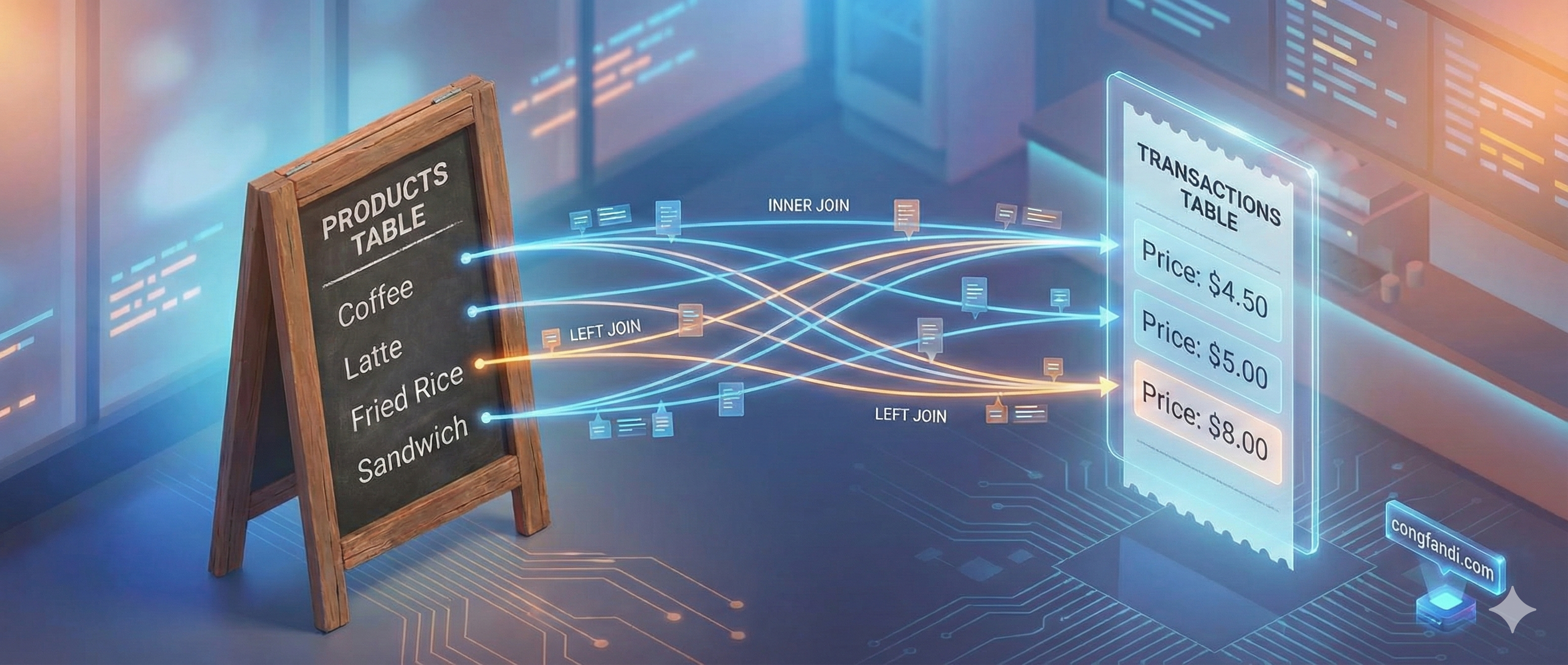
Be honest, how many times have you opened Google just to search for "SQL Join Types" or "SQL Join Venn Diagram"? 🤔
I used to be like that too. I memorized those circle diagrams (Venn Diagrams), but when I faced real database cases... BLANK. I forgot which one was LEFT, which was INNER, let alone OUTER.
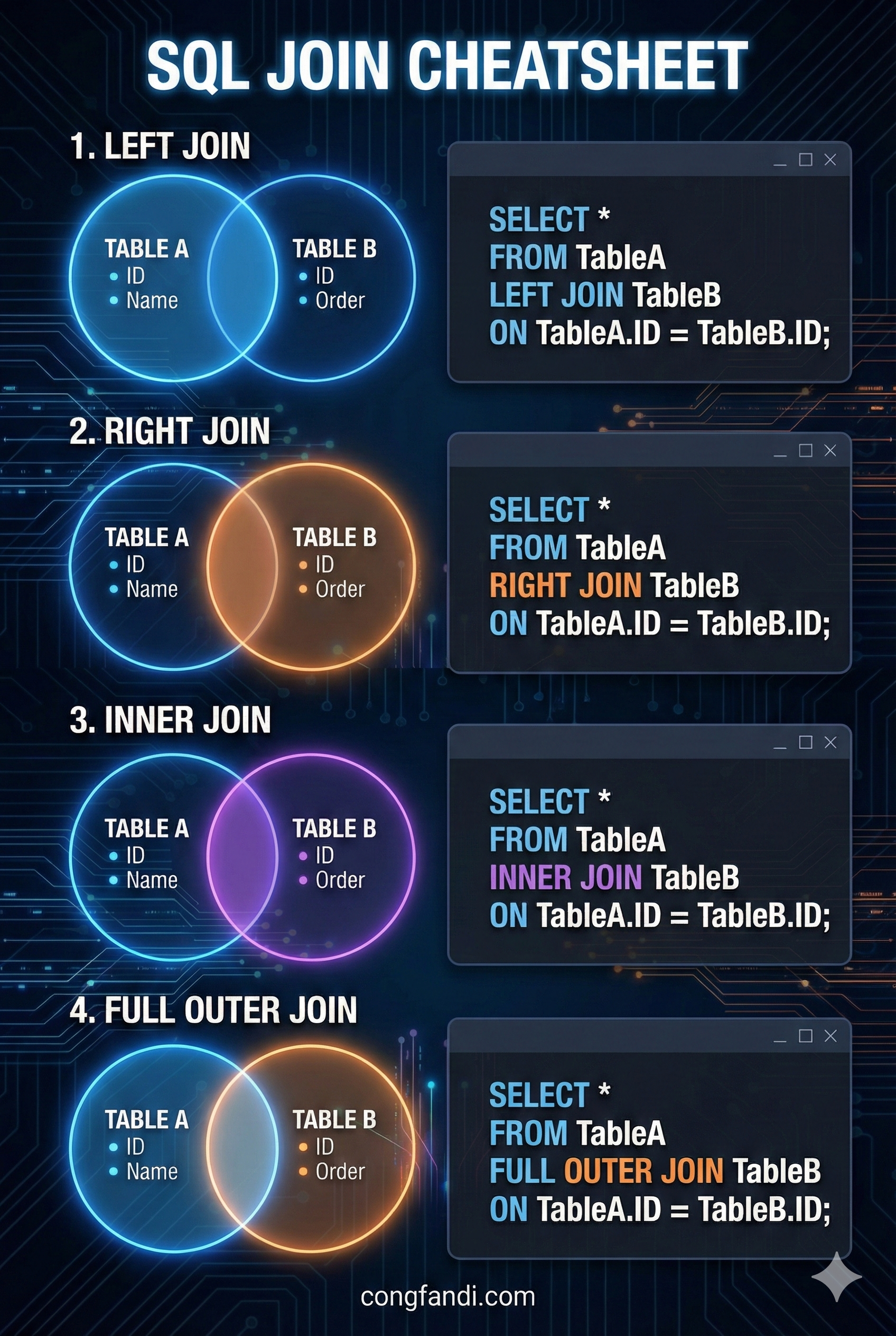
It turns out, the best way to understand SQL JOIN is NOT by memorizing Venn diagrams. But by understanding the NATURE OF THE RELATIONSHIP BETWEEN 2 TABLES.
Let's break it down completely using a simple case study. No headache involved, just grab your coffee! ☕
Case Study: The Coffee Shop
Imagine we have 2 simple tables: Products and Transactions.
Table 1: Products
| id | name |
|---|---|
| 1 | Coffee Latte |
| 2 | Fried Banana |
| 3 | Fried Rice |
| 4 | Noodle Soup |
| 5 | Mineral Water |
Note: Mineral Water (id 5) has never been sold.
Table 2: Transactions
| id | product_id | amount |
|---|---|---|
| 101 | 1 | 15000 |
| 102 | 1 | 15000 |
| 103 | 2 | 5000 |
| 104 | 99 | 50000 |
Note: Transaction 104 has product_id = 99. This product does not exist in the Products table (maybe a ghost product or it was deleted from the database).
1. I want to know only the Products that HAVE SOLD
(INNER JOIN)
This is the most basic join. We only care about data that EXISTS IN BOTH TABLES. If there is a product but it hasn't sold -> Don't show it. If there is a transaction but the product is missing -> Don't show it.
SELECT *
FROM Products p
INNER JOIN Transactions t ON p.id = t.product_id;
Result:
- Coffee Latte (Has transaction) ✅
- Fried Banana (Has transaction) ✅
- Mineral Water (Never sold) ❌
- Ghost Transaction (Product missing) ❌
2. I want to see EVERYTHING: All Products and All Transactions
(FULL OUTER JOIN)
Just show everything! I don't care if they match or not. Matches get paired up, singles stay single (their partner columns will be NULL).
SELECT *
FROM Products p
FULL OUTER JOIN Transactions t ON p.id = t.product_id;
Result:
- Coffee Latte & Its Transactions ✅
- Mineral Water (Transaction is
NULL) ✅ - Ghost Transaction (Product is
NULL) ✅
3. I want to see the "Singles" from both sides
(FULL OUTER JOIN ... WHERE NULL)
This is the opposite of number 1. We are looking for products that HAVEN'T SOLD AND transactions that HAVE NO PRODUCT. We discard the normal (paired) ones.
SELECT *
FROM Products p
FULL OUTER JOIN Transactions t ON p.id = t.product_id
WHERE p.id IS NULL OR t.id IS NULL;
Result:
- Mineral Water (Single Product) ✅
- Ghost Transaction (Single Transaction) ✅
- Coffee Latte (Paired) ❌
4. I want to see ALL Products, whether they sold or not
(LEFT JOIN)
Our focus is on the LEFT table (Products). The product list must be complete. If it sold, show the transaction. If it didn't sell, the transaction column is just NULL, but the product must appear.
SELECT *
FROM Products p
LEFT JOIN Transactions t ON p.id = t.product_id;
Result:
- Coffee Latte (Has transaction data) ✅
- Mineral Water (Transaction column is
NULL, but still shows up) ✅ - Ghost Transaction (Not shown because it's not in the LEFT/Products table) ❌
5. I want to find Products that satisfy NO ONE (Never Sold)
(LEFT JOIN ... WHERE NULL)
This is useful for finding "Dead Stock". We use LEFT JOIN (take all products), but we filter mainly for those whose right-hand partner is EMPTY (NULL).
SELECT *
FROM Products p
LEFT JOIN Transactions t ON p.id = t.product_id
WHERE t.id IS NULL;
Result:
- Mineral Water ✅
- Coffee Latte ❌ (Because it sold)
6. I want to see ALL Transactions, complete with product info
(RIGHT JOIN)
This is the reverse of LEFT JOIN. Our focus is now on the RIGHT table (Transactions). All transaction records must appear. If the product still exists in the database, show its name. If the product is deleted/missing, let the product name be NULL.
SELECT *
FROM Products p
RIGHT JOIN Transactions t ON p.id = t.product_id;
Result:
- Coffee Latte Transaction (Has product info) ✅
- Ghost Transaction (Product info is
NULL, but transaction appears) ✅ - Mineral Water (Not shown because it's not in the RIGHT/Transactions table) ❌
7. I want to find "Error" Transactions (Missing Product)
(RIGHT JOIN ... WHERE NULL)
This case rarely happens if your database is good (using Foreign Keys). But if your data is "dirty", this query is a lifesaver. We are looking for transactions where the product_id points to nowhere.
SELECT *
FROM Products p
RIGHT JOIN Transactions t ON p.id = t.product_id
WHERE p.id IS NULL;
Result:
- Ghost Transaction (Shows up) ✅
- Coffee Latte Transaction ❌ (Because it has a valid product)
Conclusion
Easy/Simple, right? The key is your FOCUS:
- Want only the INTERSECTION? ->
INNER JOIN - Want ALL LEFT data? ->
LEFT JOIN - Want ALL RIGHT data? ->
RIGHT JOIN - Want EVERYTHING regardless? ->
FULL JOIN
Hopefully, after reading this, you won't need to memorize those circle diagrams anymore! Happy coding! 🚀