Comprehensive Guide to Using the Digital Quran Feature on Congfandi.com

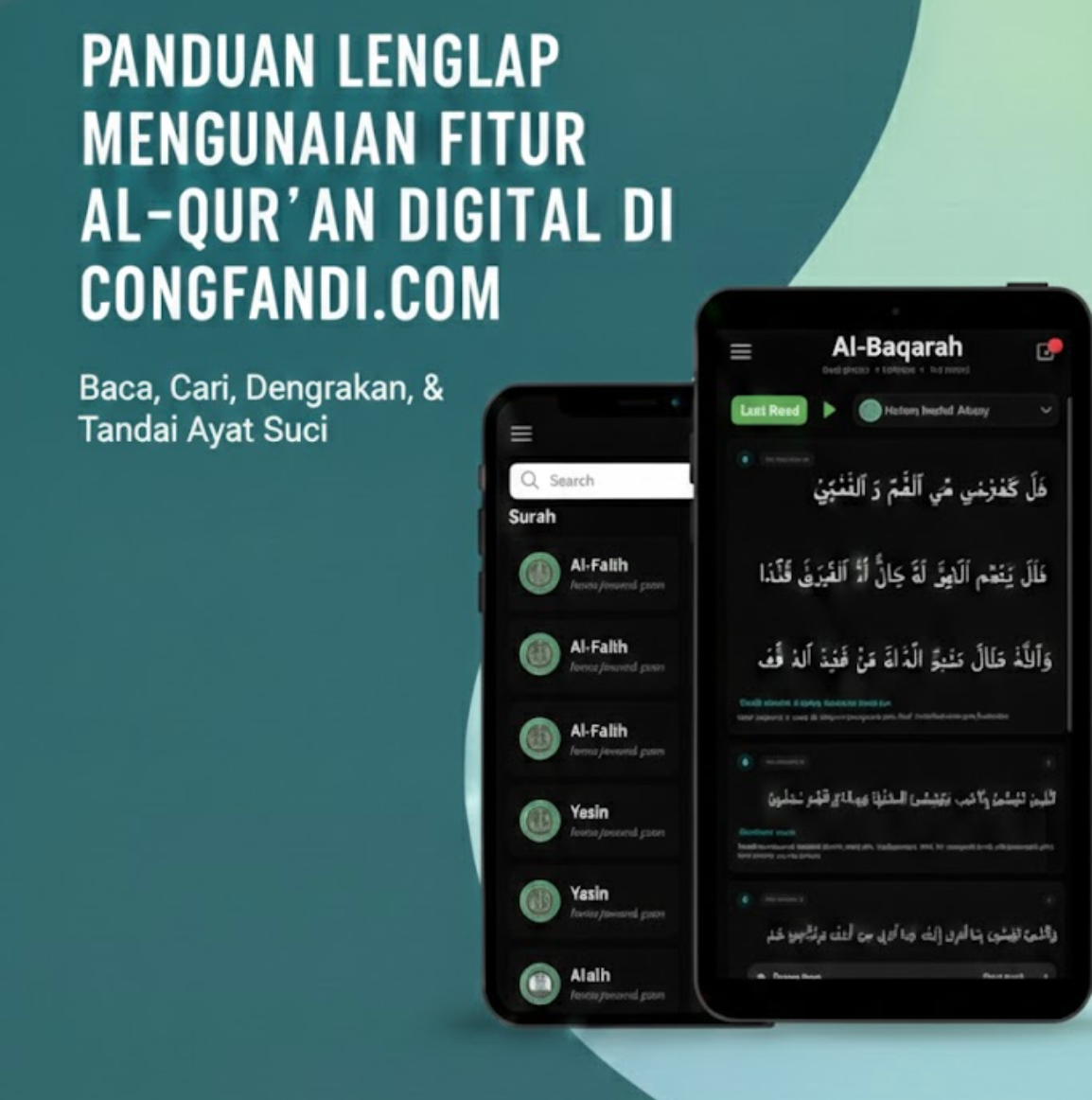
One of the flagship features in the new Congfandi.com is the Digital Quran. I built this feature with the goal that friends can recite the Quran anywhere, anytime, without ad interruptions and without needing to install additional apps.
In this article, I will guide you step-by-step to utilize all the advanced features within it. Let's check out the guide!
1. Accessing the Quran Page
To start reading, you can go directly to the Quran Page via the navigation menu, or type the following address in your browser:
https://congfandi.com/quran
On this main page, you will be welcomed with a clean and calm design, perfect for worship.
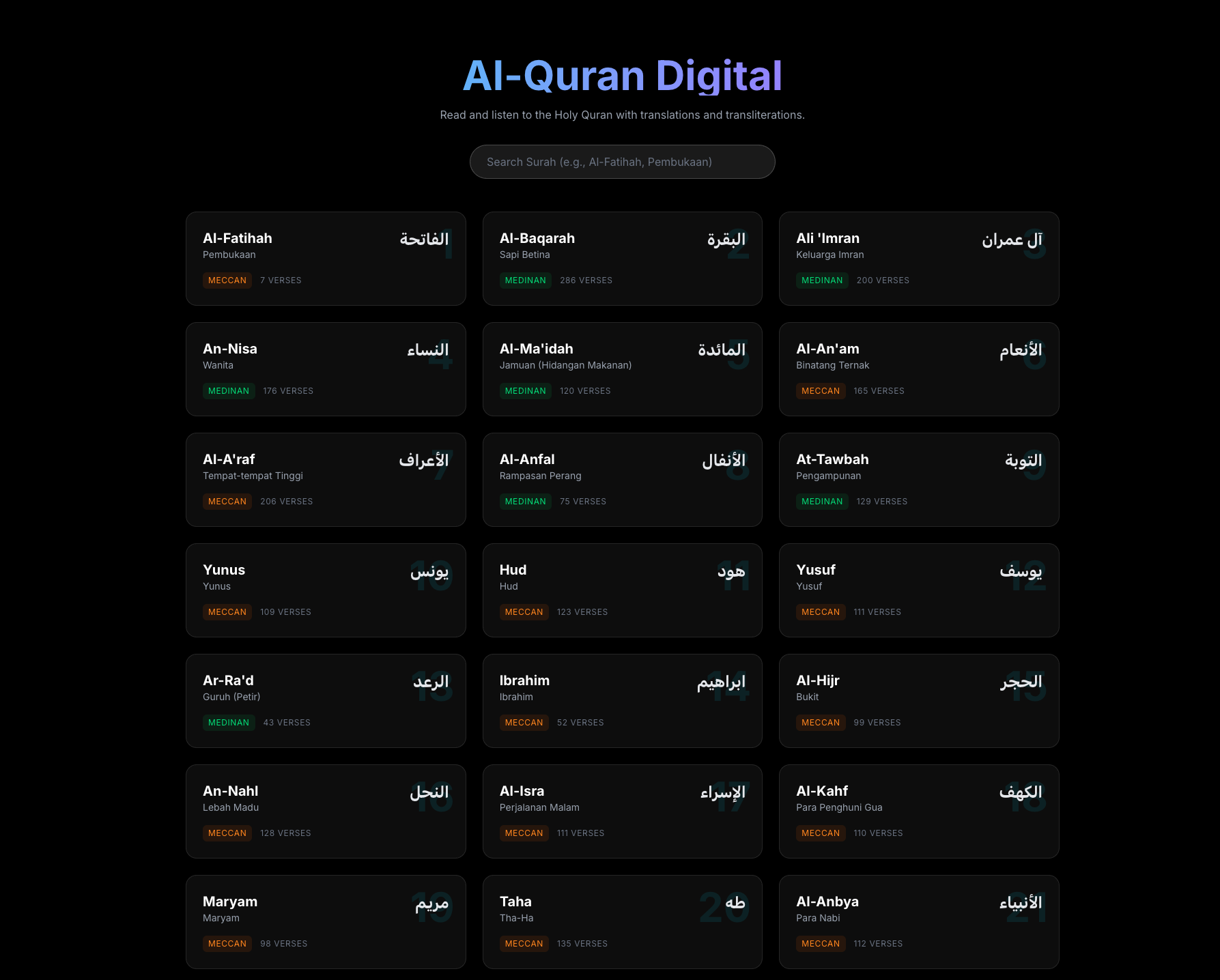
2. Quick Surah Search
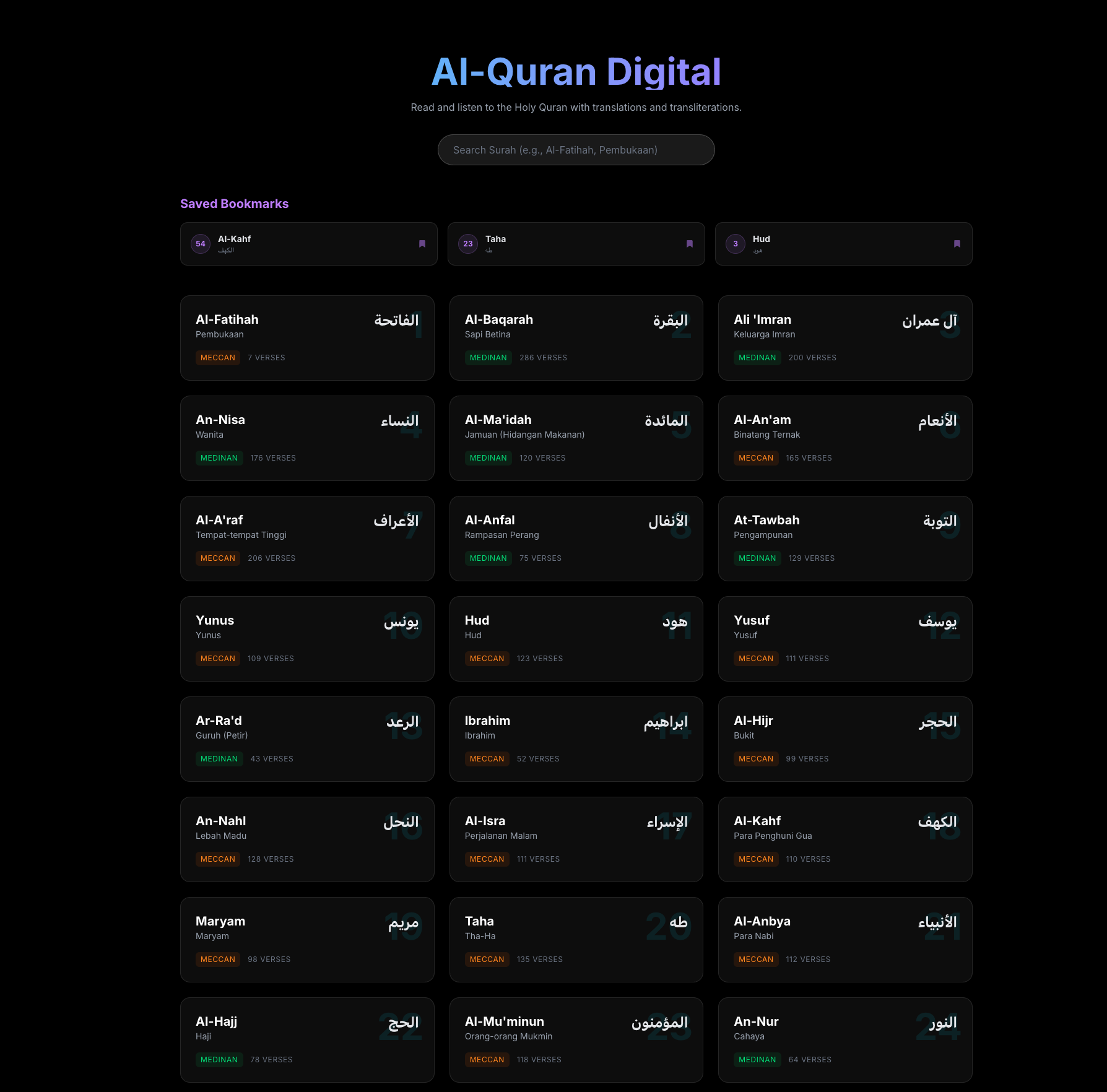
Confused finding a surah among the 114 listed? Use the Search Bar feature at the top.
You can search based on:
- Surah Name (Example: "Yasin", "Al-Kahf")
- Surah Meaning (Example: "The Heart", "The Cave")
This search system is real-time, so the surah list will filter immediately as you type.
3. Comfortable Reading Mode
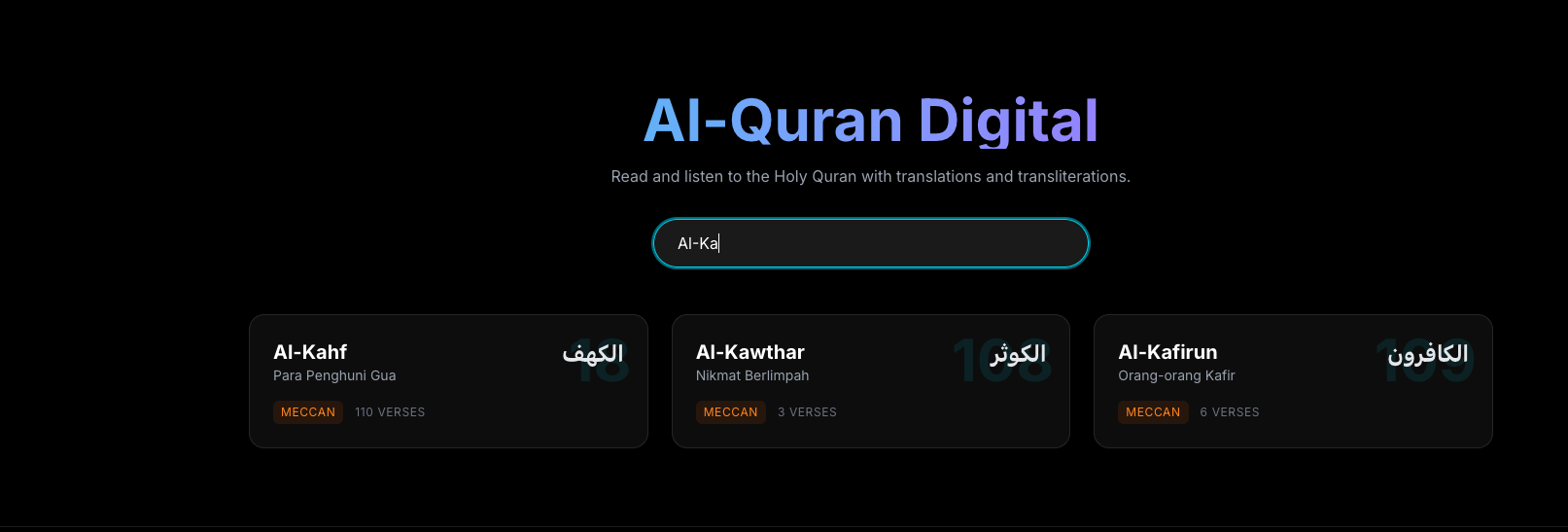
After selecting a surah, you will enter the reading view. Here there are several important sections:
- Arabic Verse: Written in
IndoPakfont which is clear and easy to read (similar to standard Indonesian Mushaf). - Latin (Transliteration): Helps those who are still learning to read Arabic letters. This text is cyan and italicized.
- Translation: The meaning of the verse in Indonesian (Ministry of Religious Affairs) to understand the meaning.
Adjusting the View
Feel the view is too crowded? You can hide Latin or Translation as needed via the buttons in the top right corner (or top part on mobile).
- Latin Button: Click to hide/show latin text.
- Translation Button: Click to hide/show translation.
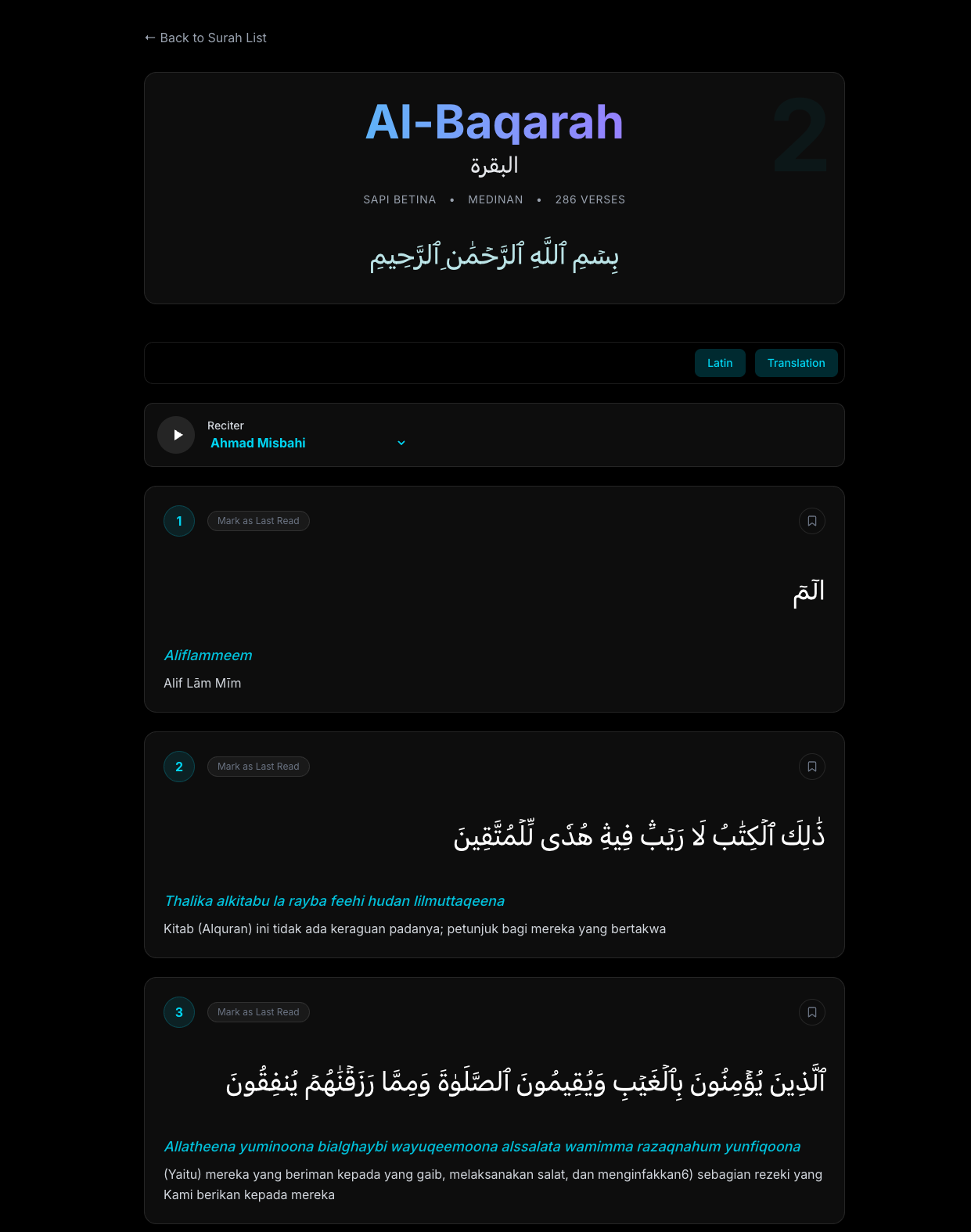
Cleaner View
If you turn off Latin and Translation options, the view will become more focused like this:
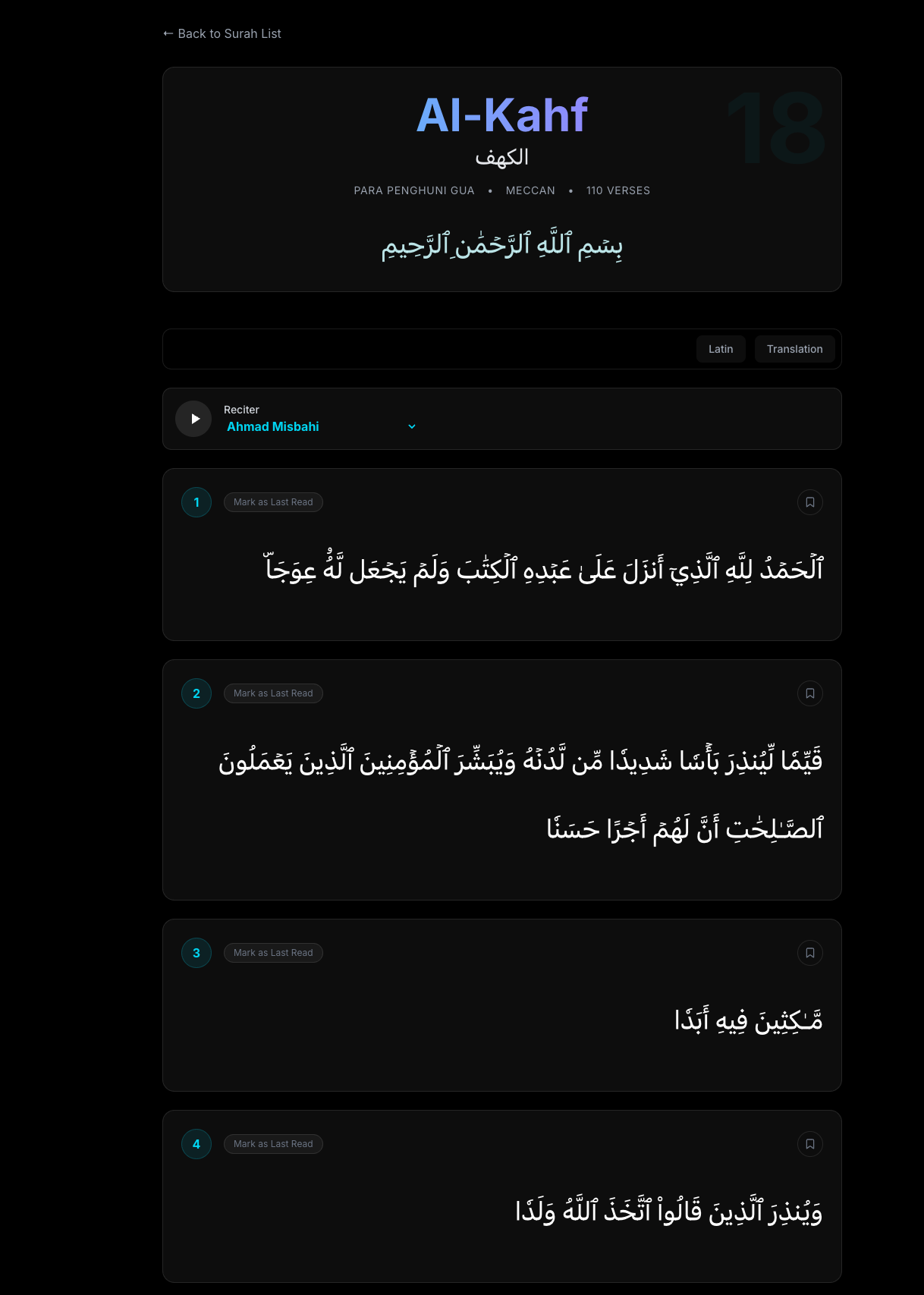
4. Listening to Murottal (Audio Playback)
One of my favorite features! You can listen to the recitation of holy verses from renowned Qoris.
How to:
- See the Audio Player section above the verse list.
- Click the Play button (triangle icon) to start.
- Want to change the Qori's voice? Click the dropdown menu next to the play button and choose the Qori name you like. There are many choices ranging from Mishary Rashid Alafasy to Abdul Basit.
The audio will play automatically from the beginning of the surah to the end.
(You can see the player controls at the top in the previous images)
5. Marking Last Read
Often forget which verse you reached? This feature is the solution.
Every time you finish reading a specific verse, click the "Mark as Last Read" button located at the top left of each verse box. This button will change color to green with the text "Last Read".
What is its function?
When you return to the main Quran page (/quran) later, a large banner will appear at the top saying "Continue Reading". Just click that banner, and you will be taken directly to the last verse you marked earlier. Practical, right?
6. Bookmarking Favorite Verses
Found a verse that touches your heart and want to read it again later? Use the Bookmark feature.
- Click the Bookmark icon (ribbon/flag shape) at the top right of each verse.
- The icon will change to a solid color, indicating the verse is saved.
A list of all verses you have bookmarked can be seen on the main Quran page, in the "Saved Bookmarks" section.
Closing
That is the complete guide to using the Quran feature on Congfandi.com. I hope this feature can help friends to interact with the Quran more diligently amidst digital busyness.
If there are suggestions or feature requests, don't hesitate to contact me! Happy reciting. 🤲
"The best of you are those who learn the Quran and teach it." (HR. Bukhari)